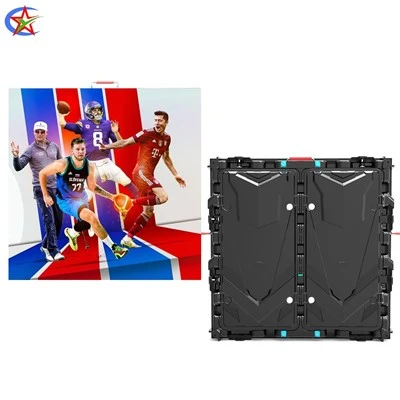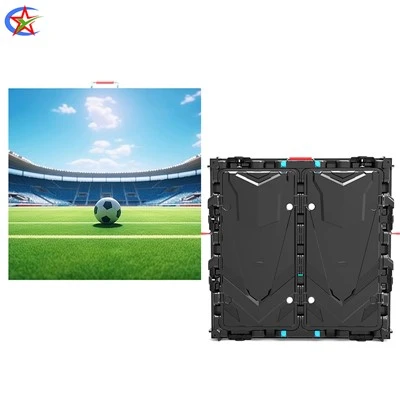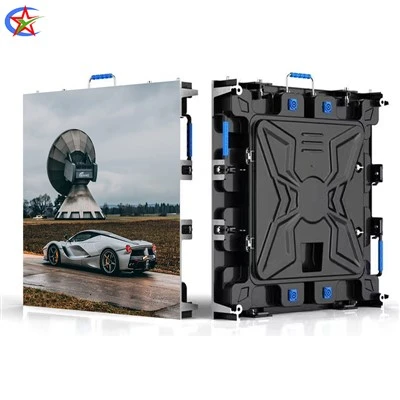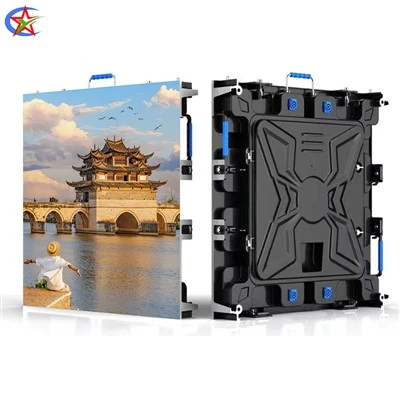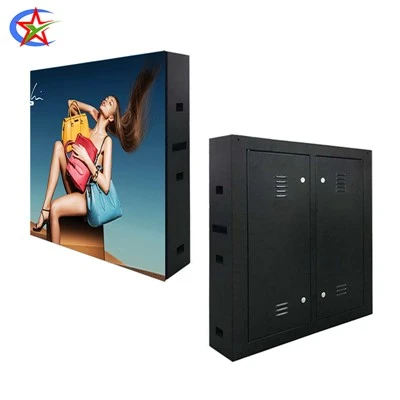
1. Regularly Clean the Display Surface
Many people habitually wipe it with a dry cloth or rinse it directly with water, but both methods can damage the screen! The correct method: First, disconnect the power! Then, gently wipe the surface with a slightly damp, soft cloth (such as an eyeglass cleaning cloth). Dust in the crevices can be gently swept away with an old toothbrush wrapped with soft bristles. Note: Never allow liquid to seep into the screen crevices, and never use chemical cleaners such as alcohol!
2. Control the Temperature and Humidity of the Operating Environment
LED screens are very sensitive to environmental conditions! Temperatures exceeding 35℃ will accelerate the aging of internal components, and humidity >70% can easily lead to condensation and short circuits. Recommendation: Maintain a temperature of 20-30℃ and humidity of 40%-60% for optimal results. In humid areas, use a dehumidifier. In summer, avoid direct airflow from the air conditioner vents onto the screen.
3. Perform Three Checks Before Daily Use
Before each power-on, spend two minutes checking: ① Are the connecting cables loose (especially at the seams); ② Is there any foreign matter on the screen surface (such as paper scraps or beverage stains); ③ Are the ventilation holes blocked by dust? Address problems promptly; avoid using devices with hidden risks! My friend almost caused a major disruption when his screen suddenly went black during a meeting because he hadn't checked the connection cables.
4. Standardize Power Usage Habits
The power supply is the "heart" of the display! Always use a regulated power supply to avoid voltage fluctuations; unplug the power and signal cables before thunderstorms; when shutting down, follow the correct sequence: turn off the display first, then the power supply (the reverse is true when turning it on). Data from a certain equipment manufacturer shows that standardized power management can reduce the probability of power supply failures by 40%.
5. Perform In-Depth Maintenance Every Six Months
Beyond basic maintenance, in-depth maintenance is more reliable with professionals! It is recommended to have a technician check the following every six months: ① Clean the internal heatsink of dust; ② Check for aging wiring; ③ Replace aging LED modules. Many people don't know that internal dust accumulation can cause the heatsink temperature to soar by 30°C; professional maintenance can prevent small problems from becoming big troubles.